Integrate Your Shopify Store with German Drop
At German Drop, our mission is to simplify your eCommerce journey. We have provided step-by-step instructions below to ensure that this process is as straightforward as possible:
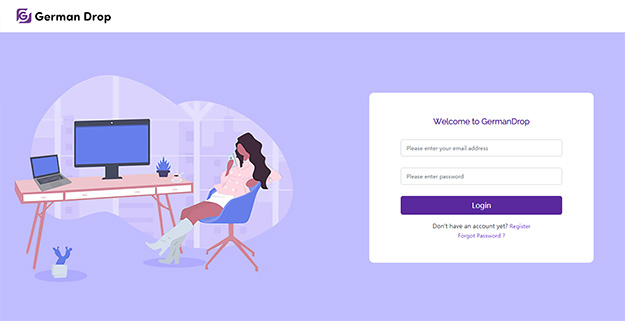
1. log in to your German Drop account.
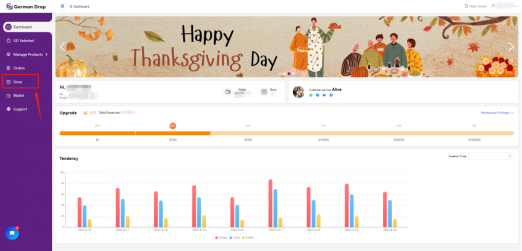
2. Once you have logged in, you will be directed to your 'dashboard.’ On the left side of this page, you will find eight different selections. Please click on 'Store'.
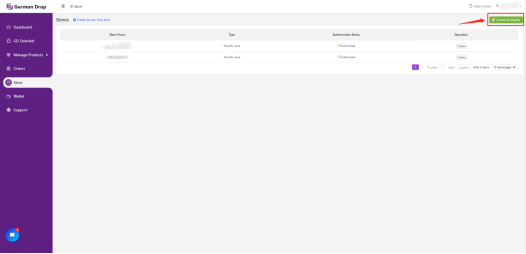
3. On your store page, select 'Connect to Shopify'. You will then be prompted to enter your Shopify store's URL.
4. With the following steps, you will be redirected to the 'Shopify' platform to authorize the connection with German Drop. Please note that a Shopify login is required for this step.
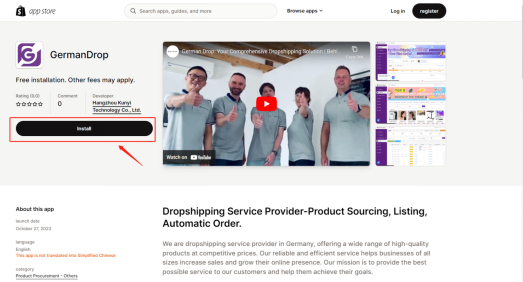
5. While on the Shopify page, kindly confirm the authorization for the further steps, granting German Drop the necessary permissions.
6. Following this confirmation, you will be redirected back to your Shopify store.
Upon completing these steps, your Shopify store will be seamlessly linked to your German Drop account, enabling you to leverage its features for your eCommerce business easily.
